Appian is a low-code automation platform that enables organizations to quickly build, deploy, and scale enterprise-grade applications. ChatGPT is an advanced natural language processing AI model that can understand and generate human-like text.
In this article, we will discuss the steps to integrate Appian with ChatGPT.
Step 1: Create an Account in ChatGPT
Open https://chat.openai.com and sign up to create an account.
Step 2: Generate API Key
Open https://beta.openai.com/account/api-keys and create a new secret key. Save the generated key.
Step 3: Configure OpenAI Connected System in Appian
Add the OpenAI plugin from the Appian Admin Console.
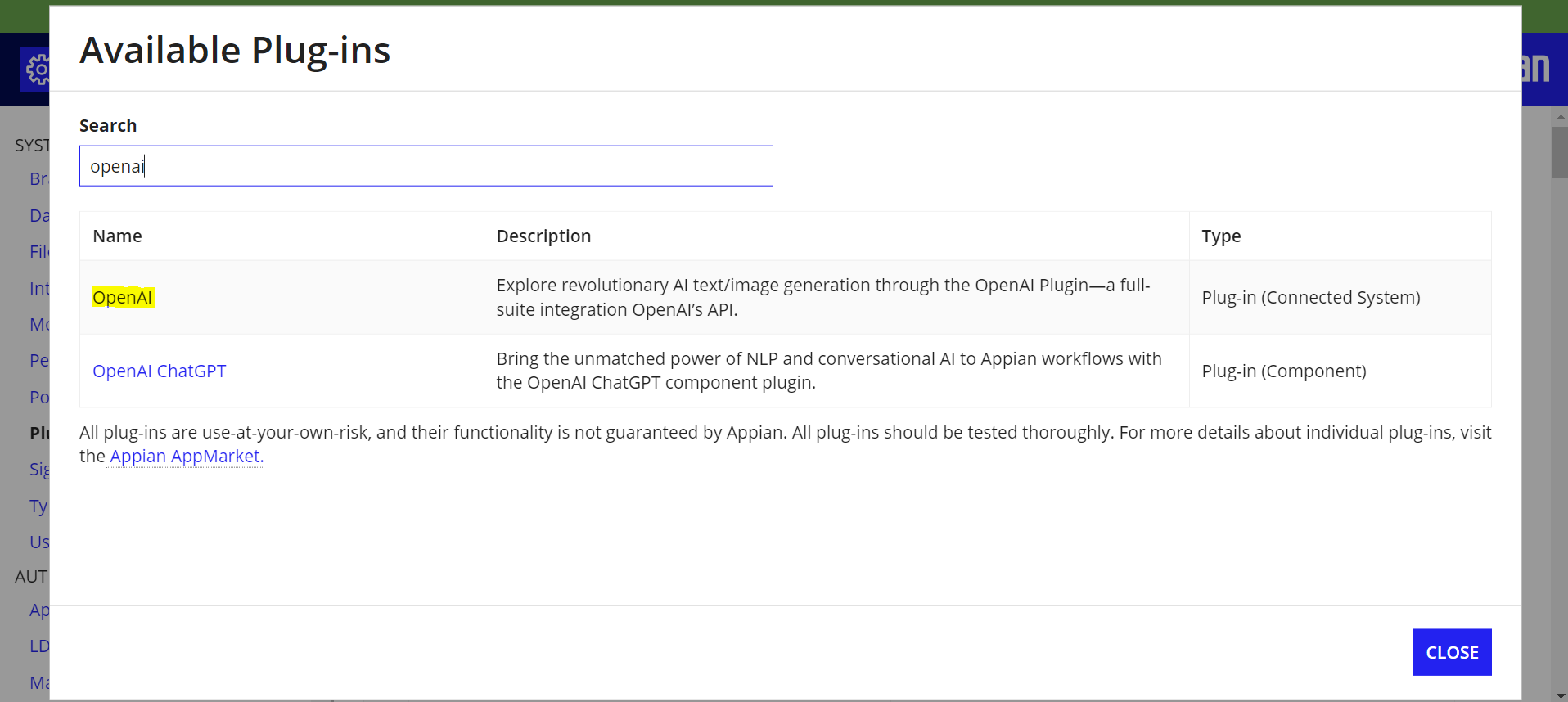
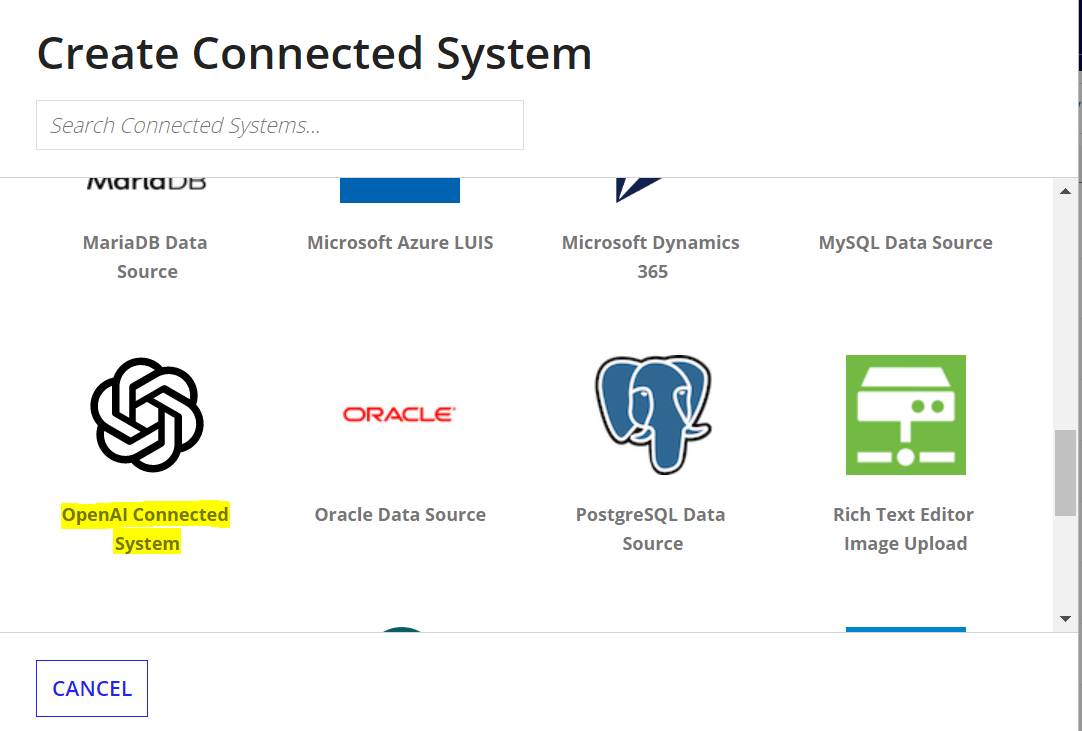
Once the plugin is deployed, create a new connected system, search for and select OpenAI connected system.
Enter the API key generated from Step 2. The organization field is optional and can be left blank. Save the connected system.
Step 4: Create Integration
Create an integration object and select the OpenAI connected system created in Step 3. Select the operation as Open AI (Reads Data) and choose the endpoint.
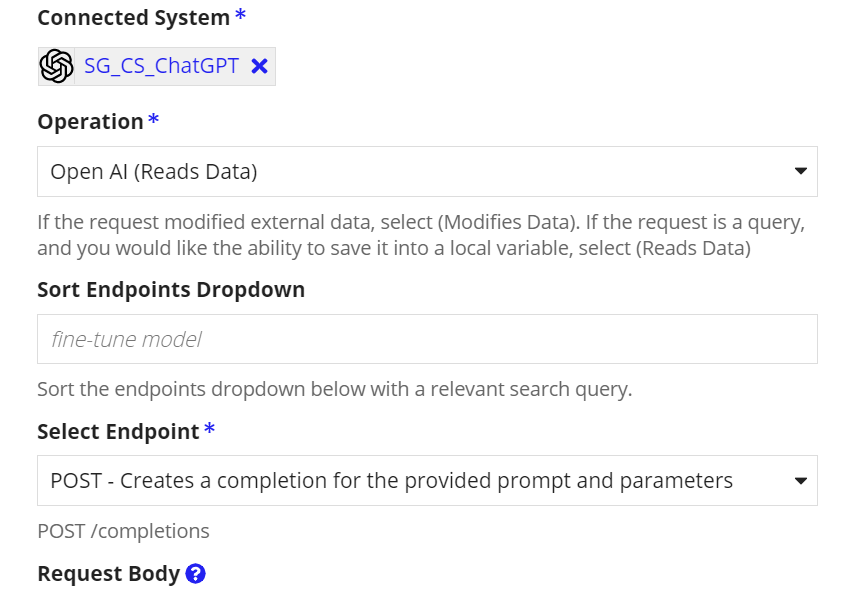
In the request body, provide the following value:
{
  "model": "text-curie-001",
  "prompt": "who is michael jackson",
  "max_tokens": 1000
}
Save the changes and click Test Request. You should receive a response from the ChatGPT API.
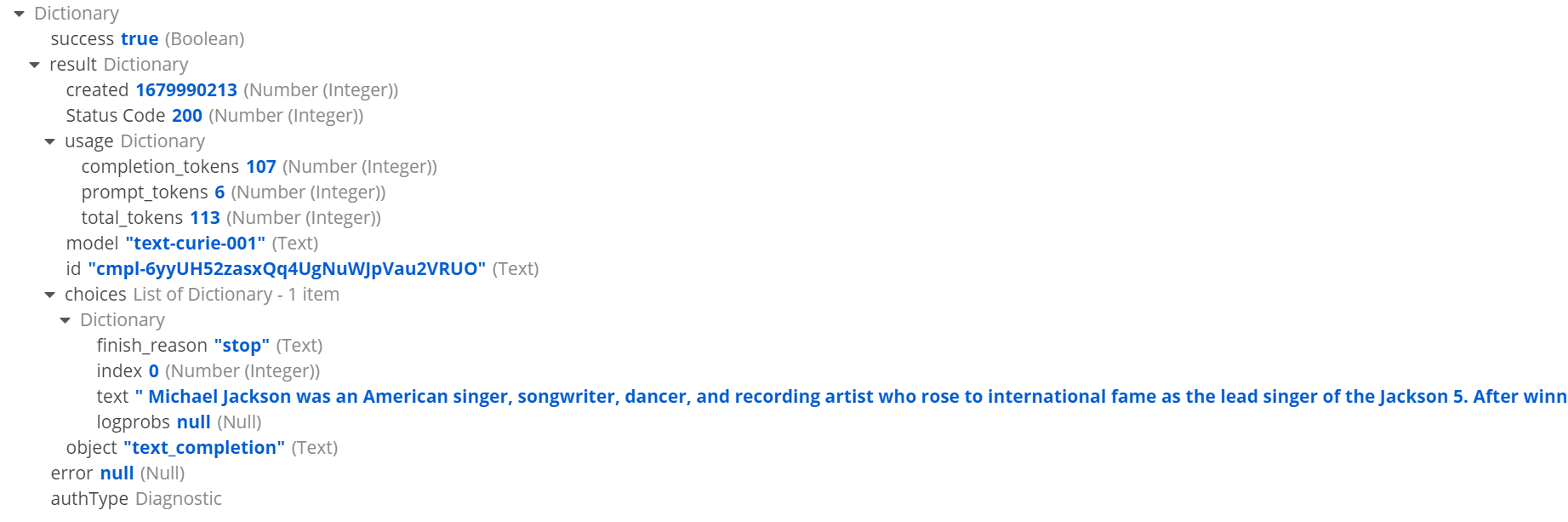
You can experiment with different endpoints and models. Other models can be found at https://platform.openai.com/docs/models/gpt-3. This example uses the text-curie-001 model as it is faster and cheaper.